Meet the Coast Fitness HQ Xplor App – designed to enhance your experience and work hand-in-hand with our Customer Portal.
What can you do with the app?
BOOK
Book one-off sessions like Group Exercise classes and other select services.
CANCEL
Cancel a booking if your plans change – just be sure to do it at least 2 hours before the session.
SCHEDULE
See all your upcoming bookings in the Schedules tab – PT appointments, and more.
ACCOUNT
Check your personal and family contact details and view the current status and details of your memberships.
Getting Started
The app is available for both Apple iOS and Android devices.
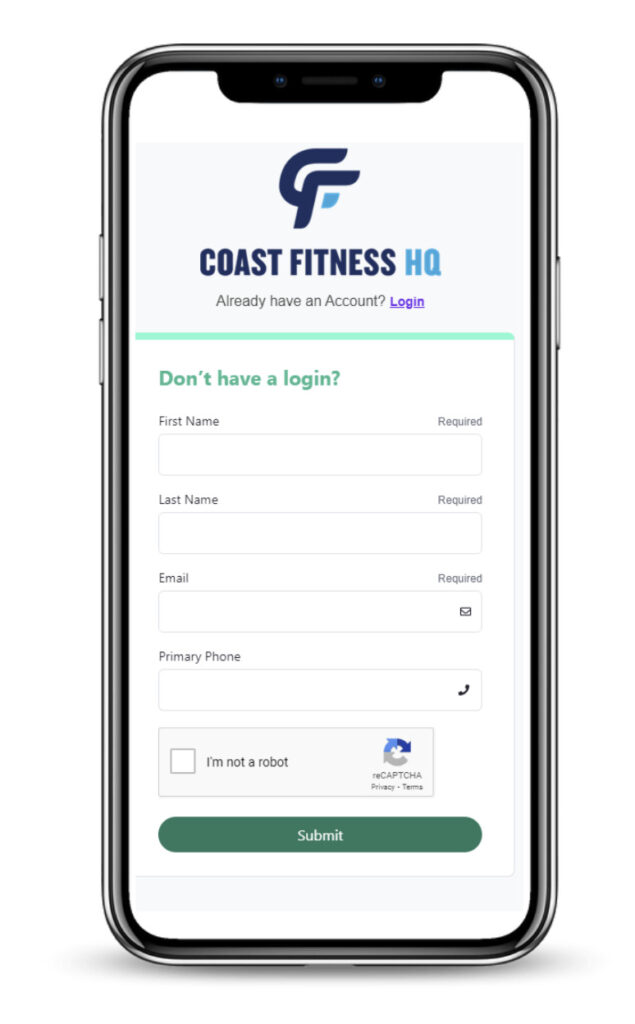
Before using the app, make sure you’ve set up your Xplor Customer Portal login. If you need help, speak to our friendly customer service team or email us at customercare@coastfitnesshq.com.au.
Once you’re set up, simply download the Coast Fitness HQ Xplor App and log in using the same details as your Portal account.
Do I still need the Customer Portal?
Yes – the app works alongside the Portal, not in place of it.
You’ll still need to use the Xplor Customer Portal for:
Our main focus is on providing exceptional experiences for our members
4.4/5
Rated 5 out of 5
"Became the best gym on the central coast.
The best equipment ever, totally focused for those who really want to level up the working-out.
A big Thanks for the team for the effort to bring the best to central coast league fitness."
"Big, open and spacious gym with everything you need in equipment plus sauna and steam. Yoga studio is also great and easy parking. Friendly staff."
"Group classes and yoga are great.
One of the only gyms on the coast with a sauna and steam room"
"Gym is fitted with amazing hammer strength equipment and best gym on th coast to workout in"